What is SSL?
SSL stands for Secure Sockets Layer. It refers to a protocol for encrypting, securing, and authenticating communications over the Internet. SSL was replaced by TLS (Transport Layer Security), although “SSL” is still a commonly used term for this technology.
The main use case for SSL/TLS is securing communications between a client and a server, but it can also secure email, VoIP, and other communications over unsecured networks.
The TLS handshake
The handshake establishes the connection’s security parameters, authenticates the server, and establishes keys for encrypted communication.
Legacy RSA key exchange
The sequence below describes the older RSA key-exchange handshake, not TLS 1.3. TLS 1.3 removed RSA key exchange; a typical full TLS 1.3 handshake uses ephemeral Diffie–Hellman key shares. See Cloudflare’s handshake explanation for the distinction.
- Client Hello — The client announces supported TLS versions and cipher suites, along with random bytes called the client random.
- Server Hello — The server chooses compatible parameters and sends its server random. Its certificate is also sent during the handshake.
- Authentication — The client checks the server certificate, including its identity, validity, and chain of trust.
- Premaster secret — The client encrypts a premaster secret using the public key from the server’s certificate and sends it to the server.
- Server decryption — The server uses its private key to decrypt the premaster secret.
- Session keys — Both sides derive matching session keys using the shared secret and handshake random values.
- Client Finished — The client sends a protected Finished message.
- Server Finished — The server sends its protected Finished message.
- Handshake complete — Application communication continues using the negotiated encryption keys.
How does the client verify the certificate?
You can think of a server certificate like a digital passport. The client needs to establish that the certificate belongs to the server it intended to reach and that its issuer is trusted.
The client usually does not contact the Certificate Authority during the TLS handshake to verify the certificate’s signature. Instead, it validates the certificate chain using CA certificates that are already trusted and stored locally.
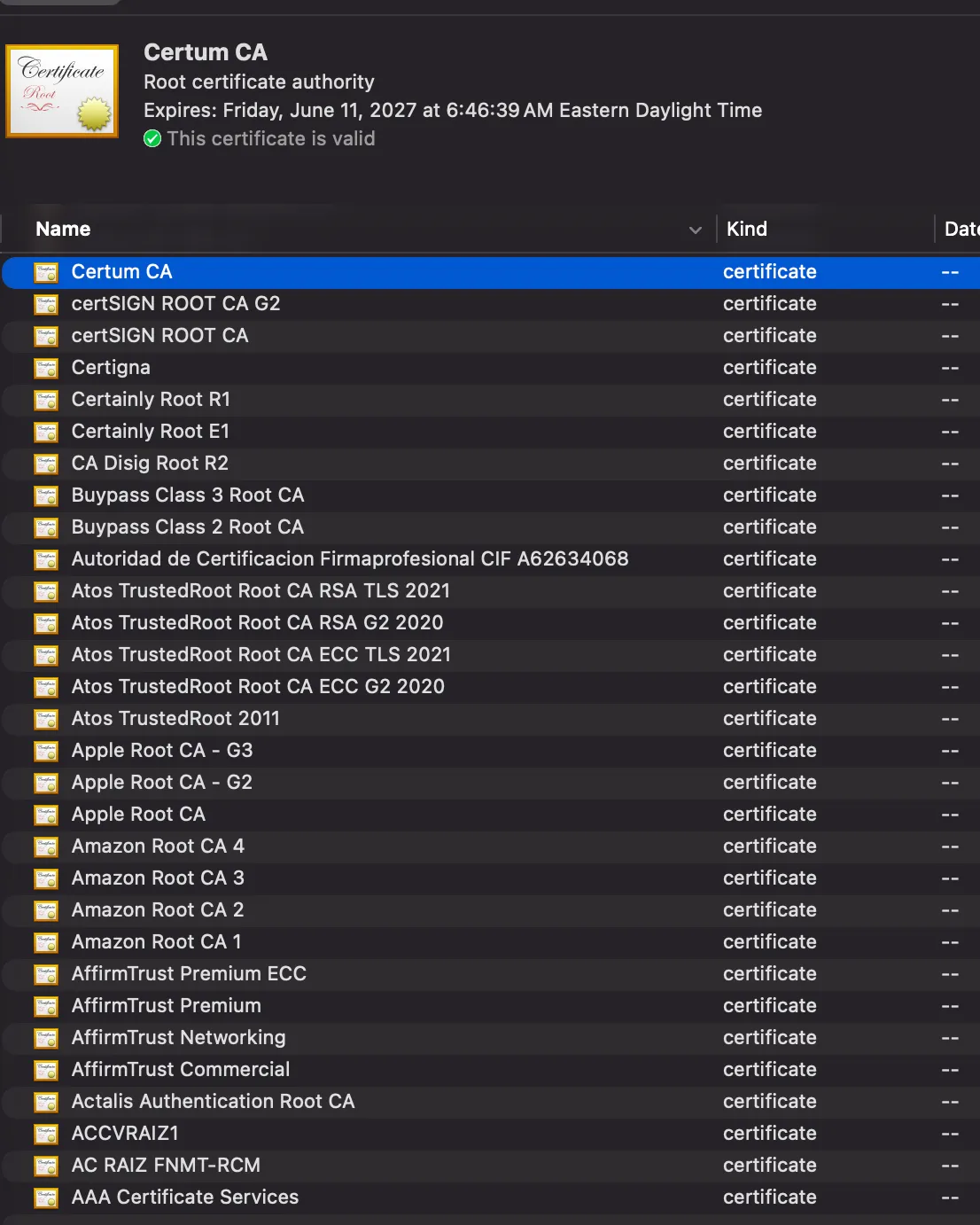
Your browser or operating system has a trust store containing trusted root CA certificates, such as ISRG Root X1. The exact trust store depends on the browser and operating system.
For example, macOS Keychain Access can display root certificates:
Certificates
An SSL/TLS certificate is a signed data file containing a public key and identity information, along with details such as its issuer and validity period. A website’s origin server can present it to clients during a TLS handshake.
The certificate’s public key is public. Its corresponding private key must remain secret.
Browsers do not automatically trust a self-signed certificate. The client needs an explicitly configured basis for trusting it.
Certificate Authority
A Certificate Authority (CA) is a trusted entity that validates identities and issues digital SSL/TLS certificates. A client can use the CA’s signature and a chain leading to a trusted root to validate a server’s certificate.